by Christina Mitrea
When we set out to refresh our Meet the Team page, the goal was simple: create portraits that felt professional, but also showed a bit of our personality. Headshots are often the first impression people get of a team, so we wanted ours to be approachable, polished, and visually interesting. That’s where the lighting came in.
In this post, I’ll walk you through why I chose continuous lighting instead of flash lighting, the ideas behind the two setups we created, and the specific tools and modifiers that helped bring it all together.
Why Continuous Lighting?
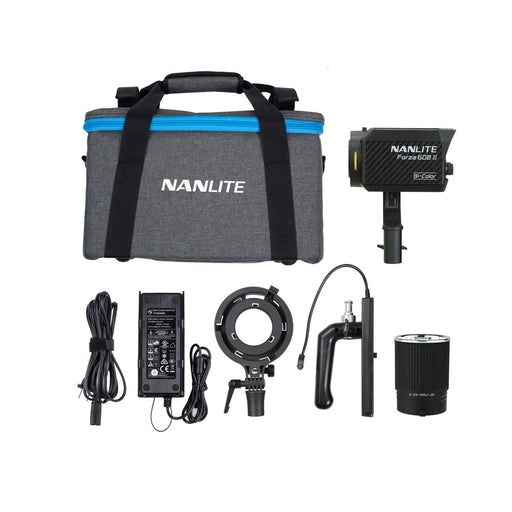
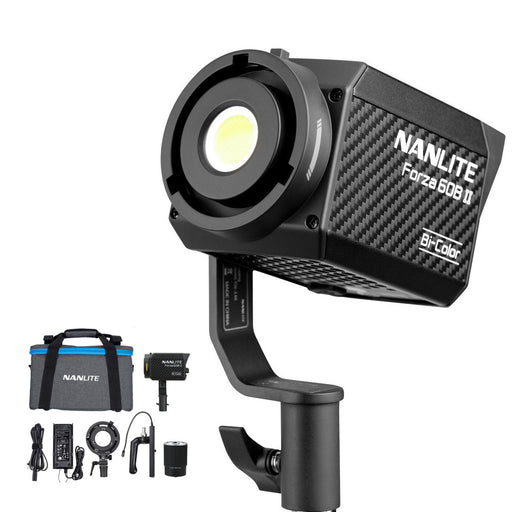
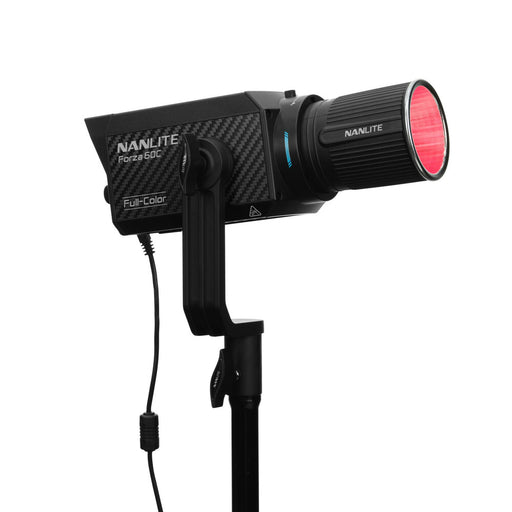
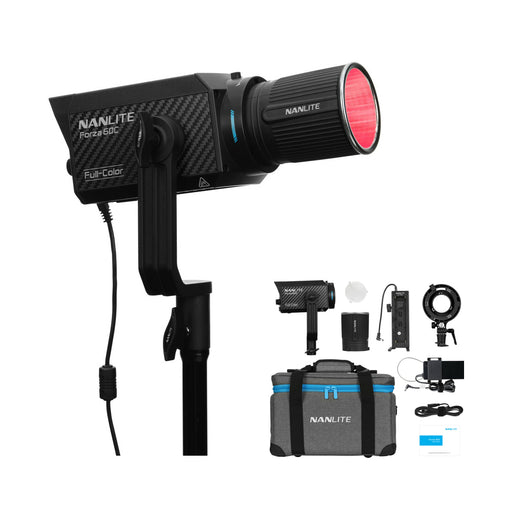
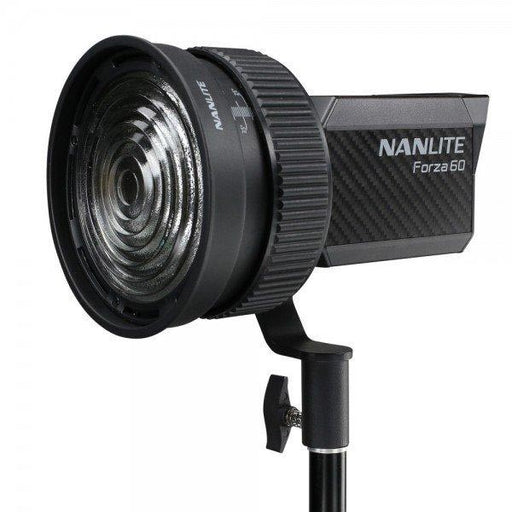
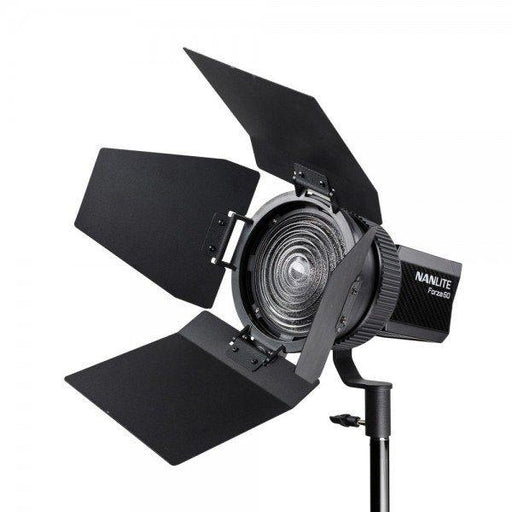
For this shoot, I chose continuous lighting over flash because I wanted to use the Nanlite Forza Projection attachment on the Nanlite Forza 60C (they also make a version for their larger lights with an S-type mount). This accessory allowed me to create controlled light patterns on the background, including a clean strip of light and a subtle window effect. While flash certainly has its advantages, continuous lighting made it easier to shape the scene in real time and achieve the creative background elements I had in mind.
Setup One: Focused and Sculpted
The first setup was designed with a simple Loop lighting pattern, a classic portrait style where the main light is placed slightly above and to the side of the subject, creating a small, loop-shaped shadow of the nose. It’s flattering, natural, and suits most faces. I wanted a soft light, that highlights the face while letting the rest of the body fall into shadow, with minimal spill in the background

The Gear:
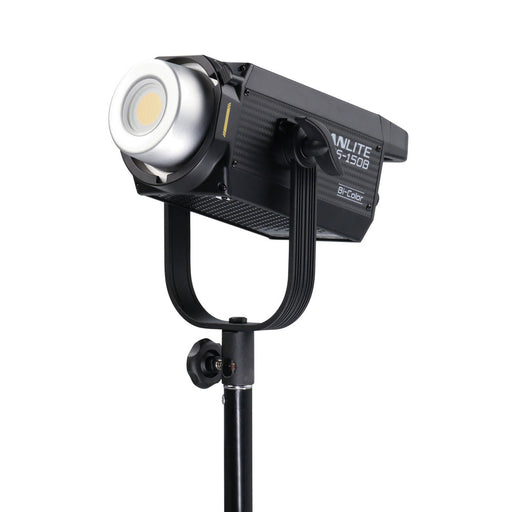
For the key light, I used the Nanlite FS 300B paired with a Phottix Raja 60cm Softbox, which gave me a soft but controlled source. Lighting the background, the Nanlite Forza 60C with its Nanlite Forza Projection Attachment with FM Mount added creative patterns that really lifted the shots. For the backdrops, I went with Colorama’s 2.72x11m rolls, Chromablue for the first setup, a nod to our 45th Sapphire Anniversary theme, and Barley for the second, which felt neutral and timeless. Everything was supported with the Phottix Saldo Air Cushioned Backdrop Kit, keeping the setup solid and easy to adjust throughout the shoot.
Even with a relatively small softbox, there was still more light spilling onto the body than I wanted. To control this, I added a flag in front of the light to block the excess and keep the focus where it belonged: on the face.
For the background, the Forza 60C with its projection attachment gave us a soft strip of light. By adjusting the blades inside, we could fine-tune the shape until it felt just right. The effect was clean, stylish, and gave the portraits a touch of drama.
Setup Two: Brighter and Balanced
For the second look, I wanted a lighter and more approachable feel. Using the same two lights, I made a few small changes.
I removed the flag in front of the key light, which allowed more illumination to fall naturally across the subject. To soften the look further, I added a reflector, specifically the soft silver side of a Manfrotto Trigrip 75cm, opposite the main light to gently fill in the shadows. The Forza 60C with the projection attachment came back into play as well, this time shaping a subtle “window effect” on the background to add depth and interest without overpowering the portrait.
These adjustments opened up the portraits, making them brighter and more inviting while still keeping an element of visual interest in the background.
Wrapping Up
Between the two setups, we were able to create a range of portraits that felt both professional and intentional, while avoiding the flat, generic look that team headshots sometimes have. Continuous lighting gave us flexibility, and the projection attachment in particular offered creative control that made the backgrounds more engaging.
It’s a reminder of how small changes in light, such as adding a flag here, or a reflector there, can completely transform the mood of a portrait.
Meet The Team
Now you know how we lit our shots, why not take a look at the finished portraits? Head over to our Meet the Team page to see the final images and get to know the people behind TFC a little better.